Paper Clutter Reset: A 35-Minute Plan for Mail, Forms and Household Papers
Table of Contents
In short
A paper clutter reset is a 35-minute routine for the papers that pile up at home: gather loose papers into one stack, remove the obvious extras, find anything time-sensitive, sort what remains into a few broad groups, finish one small action, and choose where new papers will land. On a busy day, do the six starred essentials in about 15 minutes and stop when the timer ends.
This post contains affiliate links. As an Amazon Associate, Vitality Plus earns from qualifying purchases.
Want the steps beside you? Browse the free online reset tools with a built-in timer, or get the free Weekly Reset sheet, which includes a short paperwork step for every week.
Why do paper piles keep coming back?
Paper clutter spreads quietly. A school notice sits beside the fruit bowl, a bill arrives with the mail, a receipt waits in a coat pocket, and a form needs a signature, but nobody remembers which stack it is in. Each item is small. The hard part is knowing what needs attention and where to look.
Papers come in through several doors
Mail comes through the mailbox. School papers travel in backpacks. Receipts come home in shopping bags. Forms arrive by email and sometimes get printed. One container cannot solve all of that unless the household knows what goes there and when it gets checked.
Different papers need different decisions
A coupon, a bill, a child’s drawing and a signed permission slip should not get the same treatment. Some need action, some need to be kept, and some can leave the house. Sorting by next action is usually easier than trying to build a complete archive in one short session.
This reset is not a promise to file every record or empty every drawer. It follows the Vitality Plus method: pick one reset, set a timer, work top to bottom, and stop when the timer ends. For paper, “top to bottom” means one order of decisions: collect, remove, find the urgent, group, act, and set up next week.
Before you begin: choose a small working area
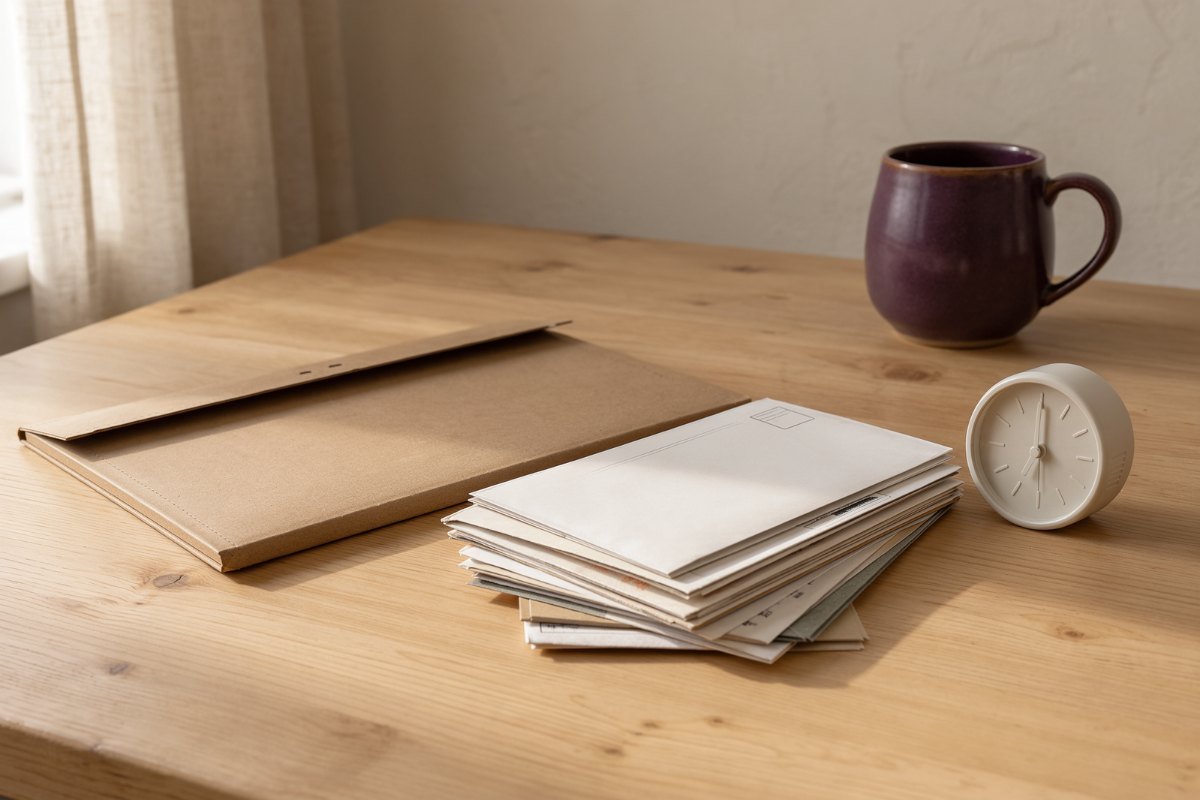
Clear one section of counter or table where you can spread out a single stack. Bring a recycling bag and set aside a spot for papers with personal information that need secure disposal. A simple kitchen timer or the timer on your phone is enough to keep the session contained.
Do not open every closet or desk drawer. Today’s scope is the loose paper you can gather from the shared drop zones in your home. If the timer ends while you are sorting, leave the papers in one contained stack and stop.
The 35-minute paper clutter reset checklist
Six steps, 24 tasks, about 35 minutes. The ★ tasks are the essentials route, about 15 minutes in the same order.
Step 1: Gather loose papers — 5 minutes
- ★ Collect papers from the kitchen counter.
- Bring mail from bags and pockets.
- Gather school papers from common areas.
- Place everything in one working stack.
Resist the urge to read every page now. Gathering first gives you one place to work and makes it less likely that a notice stays hidden in another room. If a paper belongs to someone else in the house, add it to the stack instead of deciding for them. In a large household, choose only two or three shared surfaces. A reset that ends on time is more useful than a search through every room.
Step 2: Remove obvious extras — 7 minutes
- ★ Recycle envelopes and empty inserts.
- Discard outdated flyers and duplicates.
- Separate sensitive papers for secure disposal.
- Keep anything requiring a closer look.
Do not throw a document away just because it is old. Tax, insurance, medical, financial and legal records can have their own keeping rules, and the right answer depends on your situation. If you are unsure, put the paper in a “review” pile instead of guessing. The goal here is to remove easy clutter, not to make complicated recordkeeping decisions under a timer.
For papers with account numbers or other personal details, the Federal Trade Commission recommends shredding them when you get rid of them, and a community shred day is an option if you do not have a shredder. If you shred at home often, a small cross-cut paper shredder keeps this step from becoming its own pile.
Step 3: Find the urgent items — 6 minutes
- ★ Identify bills with upcoming due dates.
- Find forms needing a signature.
- Mark appointments requiring a response.
- Place urgent items in one visible spot.
A simple action pile is enough. Put papers that need a payment, a signature, a reply or a scheduling decision together. If a deadline is unclear, write down the question you need to answer. The key difference is between important to keep and important to act on: a household record can matter without needing attention today, while an ordinary-looking permission slip may be due tomorrow.
Step 4: Sort what remains — 6 minutes
- ★ Group school papers together.
- Group household records together.
- Place receipts in one designated spot.
- Move keepsakes to a separate folder.
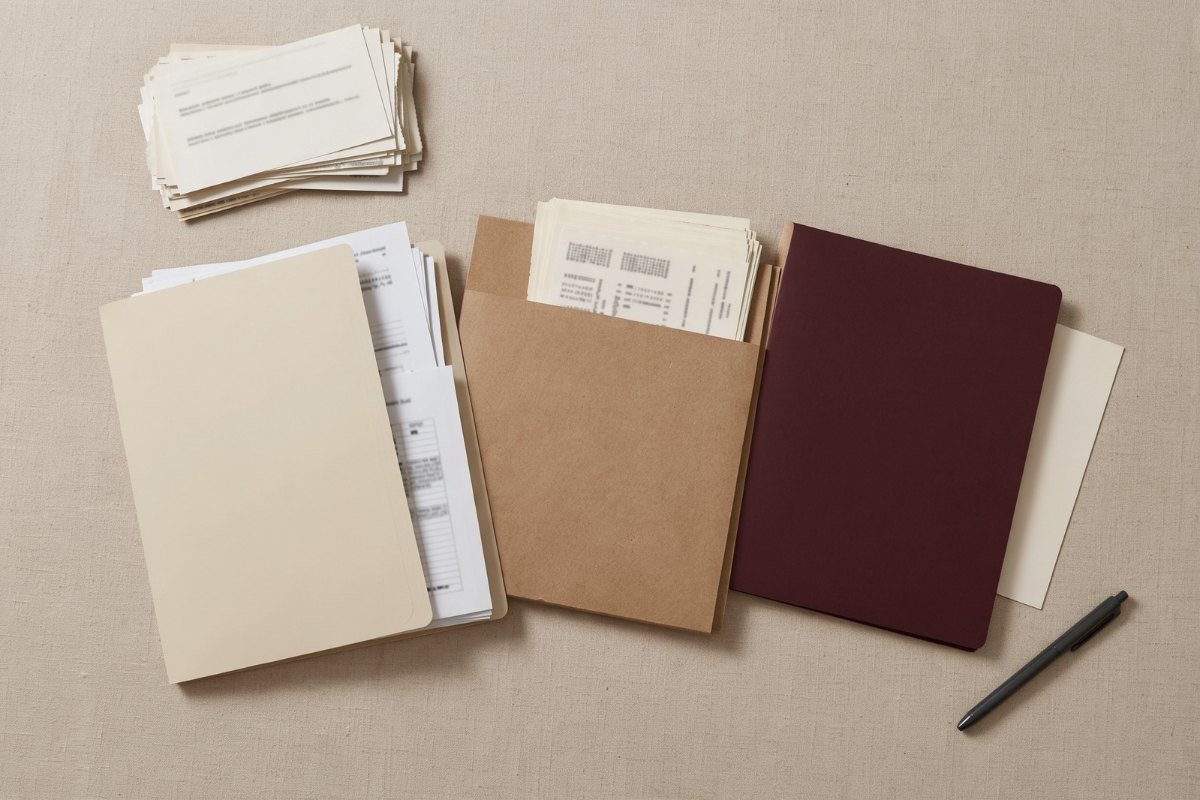
Keep the groups broad. One folder for “Household,” one for “School” and one envelope for receipts may be enough for now. If you already have a filing system that works, return the papers to it instead of rebuilding it. In a small space, one vertical holder or a drawer section you already own can do the job. If you want something for the counter, a simple desktop file sorter keeps the folders upright. Helpful, not required: the reset works with what you already have.
Step 5: Take one action — 6 minutes
- Respond to one time-sensitive message.
- ★ Add one deadline to your calendar.
- Sign one ready-to-complete form.
- Set aside papers needing more information.
This is the step where sorting turns into progress. Choose one action you can finish now. Do not start a long phone call or a complicated account task just because the paper is in front of you. If something takes longer than the time left, write the next step on it and put it back in the action pile. “Call the school office Tuesday” is more useful than an unsigned form with no reminder.
Step 6: Set up next week — 5 minutes
- ★ Choose one incoming-mail landing spot.
- Place action papers where you will see them.
- Return folders to their usual place.
- Schedule a ten-minute paper check.
Pick a landing spot everyone can reach easily: a tray near the kitchen, an existing drawer or one labeled folder. Keep the rule simple: new paper goes there until the next check. If mail usually lands by the door, put the spot near that route. The drop zone in the entryway reset is a natural place for it.
If you have only 15 minutes
Do the six starred tasks, in the same order:
- Collect papers from the kitchen counter or your main drop zone — 2 minutes.
- Recycle envelopes and empty inserts — 3 minutes.
- Identify bills with upcoming due dates — 3 minutes.
- Group the papers that cause the most confusion, such as school papers — 3 minutes.
- Add one deadline to your calendar — 2 minutes.
- Choose one landing spot for new mail — 2 minutes.
The short route does not finish every pile. It makes the most urgent information easier to find and gives you a clear next step. If the pile is large, cover only the top layer and keep the rest in one contained place.
How long does a paper clutter reset take?
About 35 minutes for the full checklist and about 15 for the essentials. It depends on how much mail your household gets, how many people bring paper home, and how long it has been since the last reset. A weekly ten-minute paper check keeps the next full reset close to the 35-minute mark.
Adjust it to your household
- With young children: keep school notices and forms in one recognizable place, and keep papers that need a signature apart from artwork you want to save. Kids can help put non-sensitive papers into a folder; an adult checks deadlines and private documents.
- With a partner or roommates: agree on who checks the action pile and how urgent papers get flagged. A shared calendar can hold deadlines, but do not assume everyone sees every reminder.
- In a small apartment: use one existing drawer, folder or shelf instead of adding a container. Vertical storage takes less counter space than a wide tray.
- If you work from home: keep household paper out of your work area. One landing spot in the kitchen or entryway stops bills from mixing with work notes.
- If you get very little mail: focus on what does come in, such as receipts, printed schedules and appointment papers. Digital files can follow the same order, in a separate timed session.
How to keep paper under control between resets
- Keep the landing spot obvious. A system that needs extra trips across the house is easy to skip on a busy day.
- Keep the action pile separate from records. You should find tomorrow’s form without digging through papers you are simply storing. Once an action is done, file or dispose of the paper.
- Do a weekly ten-minute check. Ask three questions: What has a deadline? What can leave? What needs to be put away? The paperwork step in the Sunday reset routine is a good home for this check.
- Reset the kitchen counter too. Paper often lands where you cook. The kitchen reset checklist clears that spot in the same timer-first way.
You do not need to organize every piece of paper at home to make next week easier. One contained stack, one action spot and one short review are a workable start.
Frequently asked questions
How do I start when paper is everywhere?
Choose one visible drop zone instead of the whole home. Gather the papers there, remove the obvious extras and find the deadlines. Stop when the timer ends. Other areas can wait for another session.
Do I need a filing cabinet or organizer?
Not for this reset. Start with the folders, envelopes, drawers or boxes you already have. Wait to buy anything until you know which papers you actually need to keep and reach.
How do I know which records to throw away?
Do not guess about tax, legal, insurance, medical or financial records. Check the guidance from the issuer or an official source before you discard them, and put uncertain papers in a review folder in the meantime.
How do I handle school papers?
Separate forms that need action from papers you want to keep. Put forms with deadlines in the action pile and save a few keepsakes in their own folder. You do not need to make every keep-or-toss decision today.
What if I cannot finish in 35 minutes?
Stop when the timer ends. Keep the unfinished papers in one contained stack and write down the next action. The goal is a routine you can repeat, not one perfect session.
How often should I repeat this reset?
Try a short weekly paper check and use the full reset when the piles start getting in the way. Adjust the rhythm to how much mail and paper your household receives.
Sources
- Federal Trade Commission, Consumer Advice, “Protecting your personal information: Which documents to keep and which to shred,” consumer.ftc.gov (June 10, 2025).
Last updated: November 23, 2026